Measure the work
Import and calibrate the plans, then count items and measure length, area, perimeter, and volume with a visible link back to the drawing.
Measure construction plans, turn quantities into consistent estimates, communicate the number clearly, and preserve proven assemblies, costs, formulas, and scope for the next project—all on your Windows PC.
30-day money-back guarantee · One user · Two Windows PCs · Works offline after installation · v1 updates included
From marked plan to repeatable estimate
Keep each quantity connected to its markup, pricing, and scope notes. When similar work comes along, start with an estimate your company has already reviewed instead of rebuilding it from memory.
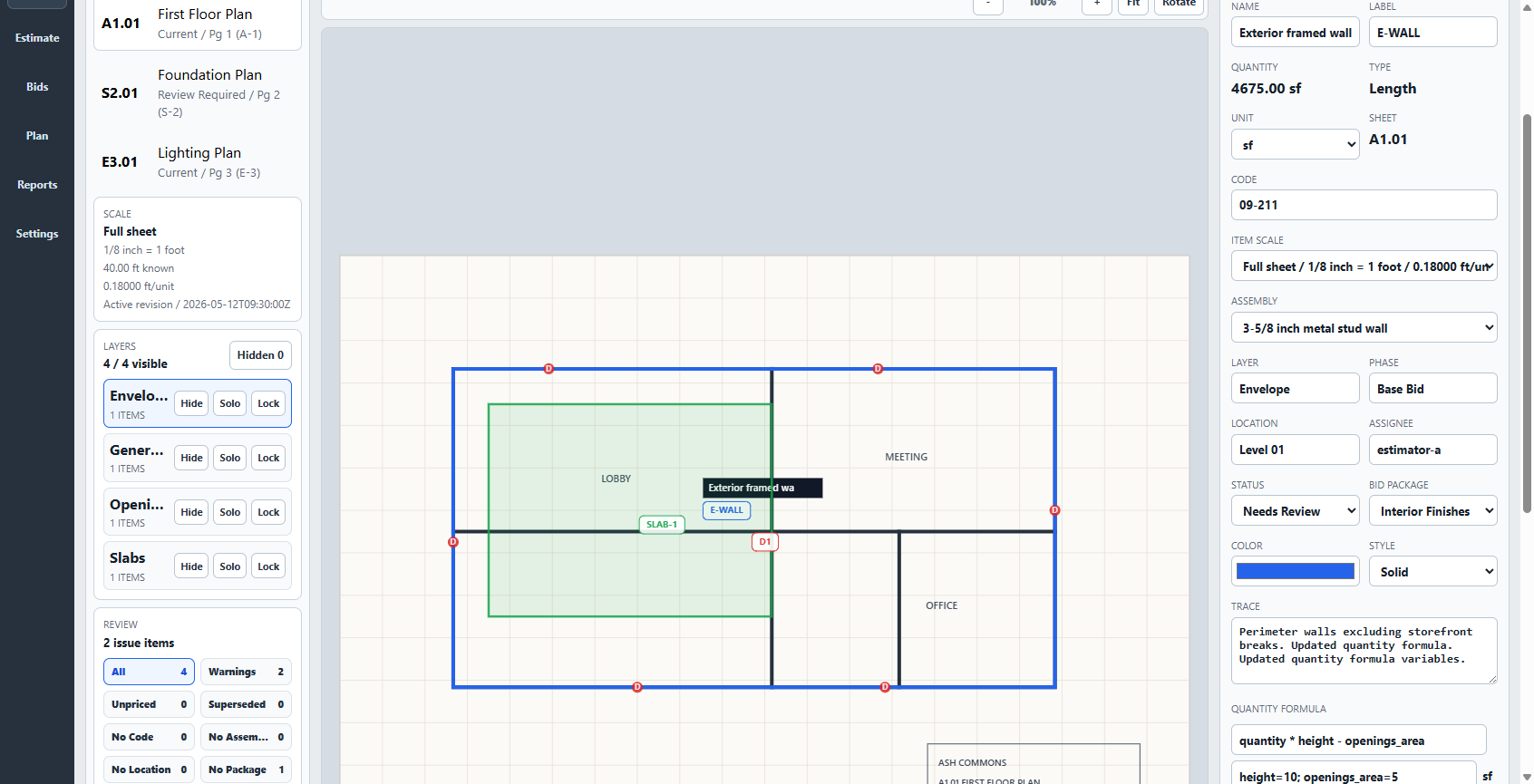
23-second product tour
Watch Takeoff verify scale, measure the work, apply assemblies and costs, and produce an estimate that is easy to review and explain. The same setup remains ready for the next similar scope.
Real product screens · Spoken walkthrough · English captionsSee Takeoff work
Watch Takeoff turn calibrated measurements into visible pricing, a clear handoff, and reusable estimating knowledge. Start with the two-minute overview or go step by step.
 Complete workflow · 1:52
The complete plan-to-estimate workflow
Import, calibrate, measure, price, review, communicate, save, and reuse—without losing where the number came from.
Complete workflow · 1:52
The complete plan-to-estimate workflow
Import, calibrate, measure, price, review, communicate, save, and reuse—without losing where the number came from.
 Tutorial 1 · 5:25
Import, calibrate, and measure
Import a plan, verify the sheet, calibrate both axes, and keep the measured item tied to its source.
Tutorial 1 · 5:25
Import, calibrate, and measure
Import a plan, verify the sheet, calibrate both axes, and keep the measured item tied to its source.
 Tutorial 2 · 5:37
Assemblies, costs, and review
Follow a measured quantity into visible pricing logic, resolve a warning, and save a review checkpoint.
Tutorial 2 · 5:37
Assemblies, costs, and review
Follow a measured quantity into visible pricing logic, resolve a warning, and save a review checkpoint.
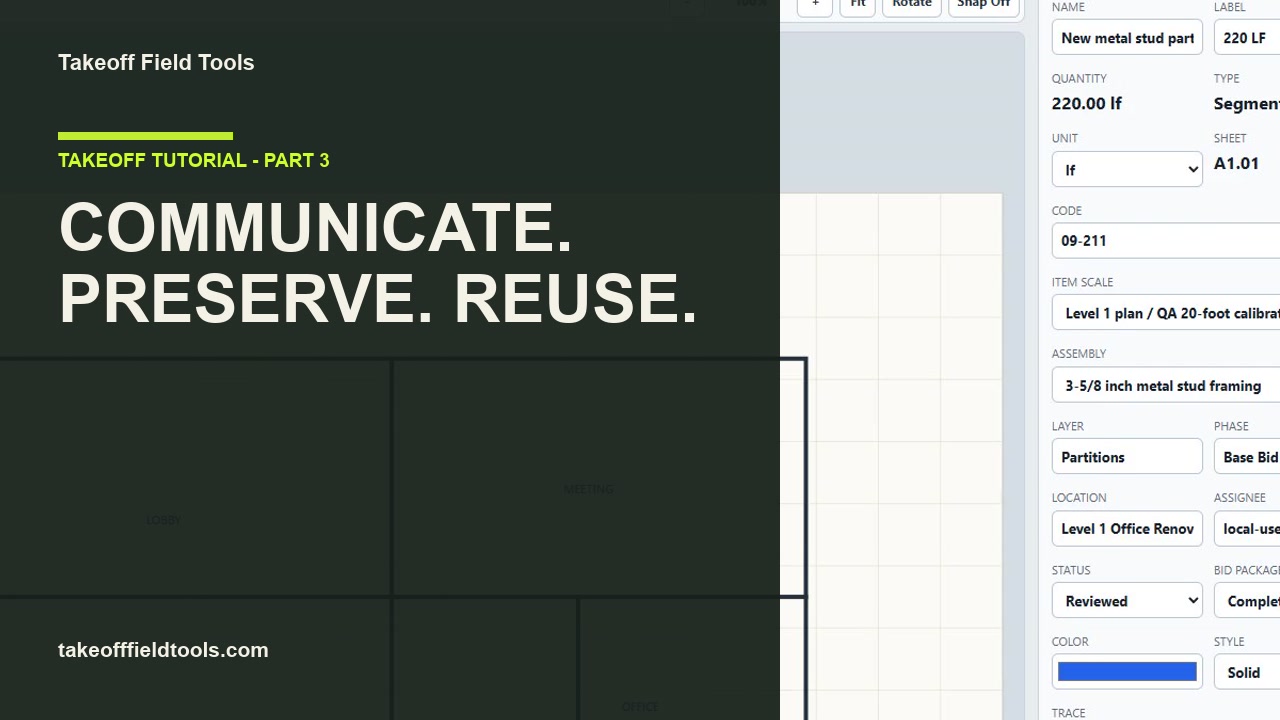 Tutorial 3 · 5:56
Communicate, save, and reuse
Export a clear handoff, reopen the project, verify persistence, and reuse reviewed work in the next estimate.
Tutorial 3 · 5:56
Communicate, save, and reuse
Export a clear handoff, reopen the project, verify persistence, and reuse reviewed work in the next estimate.
One connected estimating workflow
Import and calibrate the plans, then count items and measure length, area, perimeter, and volume with a visible link back to the drawing.
Connect quantities to visible costs, formulas, assemblies, waste, labor, allowances, and markups.
Save the version you send, then create proposals, bid packages, workbooks, quantity reports, and exports without retyping the work.
Reuse proven cost items, formulas, assemblies, and estimate structure in another scope or the next project.
Built for repeatable estimating
Keep the quantities, assumptions, assemblies, costs, and scope decisions that help your company price similar work consistently.
Counts, symbols, segmented lengths, areas with deductions, perimeters, volumes, multiple scales, and metric or imperial units.
Live quantities, cost items, assemblies, formulas, markups, taxes, allowances, alternates, and frozen bid snapshots.
Compare sheets and quantities, trace changes to their markups, and bring revised scope back through review before it reaches the bid.
Bring reviewed costs, formulas, assemblies, and estimate structure into another part of the job or a future project.
Send proposals, bid packages, quantity summaries, bid tabs, scope notes, and spreadsheets that all reflect the same reviewed estimate.
Project data and drawings live on the Windows machine you control. Back up and move complete project packages yourself.
Local by design
Takeoff stores project data separately from the application. After installation, you can keep measuring, pricing, and reviewing without an internet connection while plans, estimates, and reusable setup remain on the Windows PC you control.
Moving or updating the application does not move the separate project store. Internet is still required for purchase, download, updates, and support. Public downloads will open after code signing is complete.
How local projects work Preview the installation guide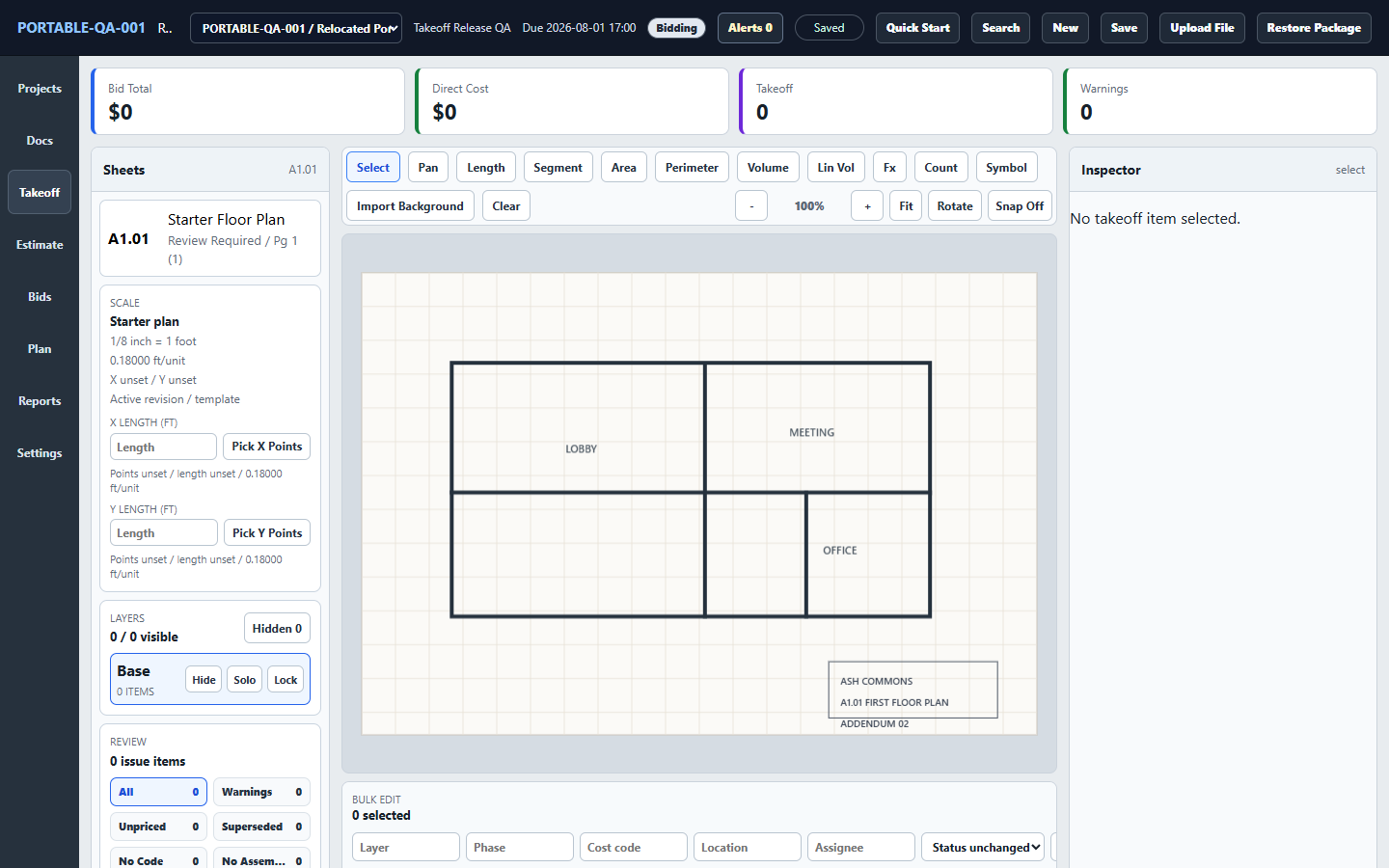
One-time price, ongoing value
Buy Takeoff once and keep using the estimating system your company builds inside it. Your projects stay local, core work runs offline, and there is no recurring seat fee.
Made for people who estimate repeatedly
Product workflows and free previews
Three useful tools
See the complete workflow
Founding release · First 250 licenses
A complete Windows takeoff and estimating system that keeps the drawing, pricing, scope, customer-facing estimate, and reusable setup together.
Straight answers
Takeoff is a 64-bit Windows application. Release QA and installer smoke passed on Windows 11 Pro x64; there is no macOS, mobile, or browser edition. Import validation covers PDF, PNG, JPEG, WebP, BMP, and TIFF plan files. Keep the source drawing and independently check calibration before pricing work.
No. The application runs locally after download. An internet connection is only needed to purchase, download, and receive updates or support.
On your Windows PC in the local project store. Takeoff does not upload your project data to a Takeoff cloud service. You control project-package exports and backups.
A Windows download containing a verified one-click setup executable, SHA-256 checksums, license terms, and getting-started instructions. Preview the complete setup and verification guide.
Yes. Preserve cost items, formulas, assemblies, and estimate structure so a new project—or another portion of the same project—can begin with proven company logic instead of an empty spreadsheet. Review and update every carried value for the current scope, drawings, market, and conditions.
No. The founding license is a one-time purchase for Takeoff v1, including v1 fixes and feature updates. A future major version may be a paid upgrade, but your purchased version will keep working.
Request a refund within 30 days of purchase. We would rather earn a long-term recommendation than trap anyone in the wrong tool.
No unsigned build will be sold. The customer release will be Authenticode signed and published with SHA-256 checksums and a verification tool before checkout opens.