Measure the intended scope
Import a plan or image, calibrate from a reliable dimension, and create counts, lengths, areas, perimeters, and volumes tied to the source.
Takeoff connects calibrated plans and photos to quantities, reusable assemblies, visible costs, a reviewed bid, and clear exports. Keep the estimating logic with the project so every estimate can make the next one better.
Construction takeoff and estimating software for Windows. $79 once. No subscription.
Actual product workflow
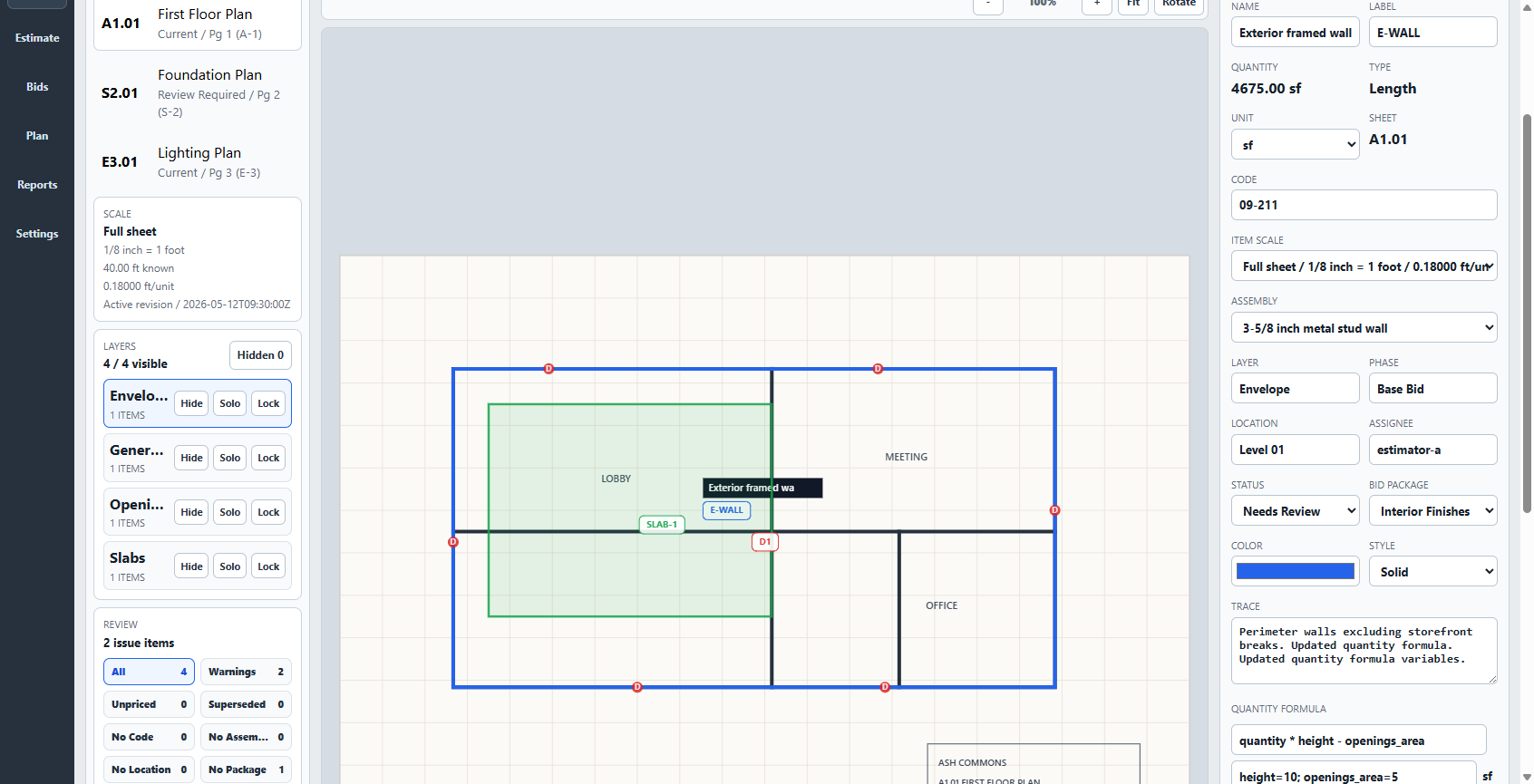
Open a PDF, floorplan, or image; verify scale; measure the work; and carry those quantities into cost items and assemblies. Review the estimate beside its assumptions instead of rebuilding the number in a disconnected spreadsheet.
Takeoff keeps the reasoning visible. It does not promise automatic quantities, automatic pricing, or a bid that no one needs to review.
Plan to estimate
A useful estimating system should preserve the chain from what you saw to what you priced and what you sent. Takeoff keeps each step close enough to inspect, revise, and reuse.
Import a plan or image, calibrate from a reliable dimension, and create counts, lengths, areas, perimeters, and volumes tied to the source.
Apply material, labor, equipment, subcontract, waste, tax, overhead, profit, allowances, cost items, and assemblies without hiding the basis.
Review assumptions, save the bid version, export the estimate, and preserve the costs, formulas, assemblies, and scope that are worth using again.
Worked estimating example
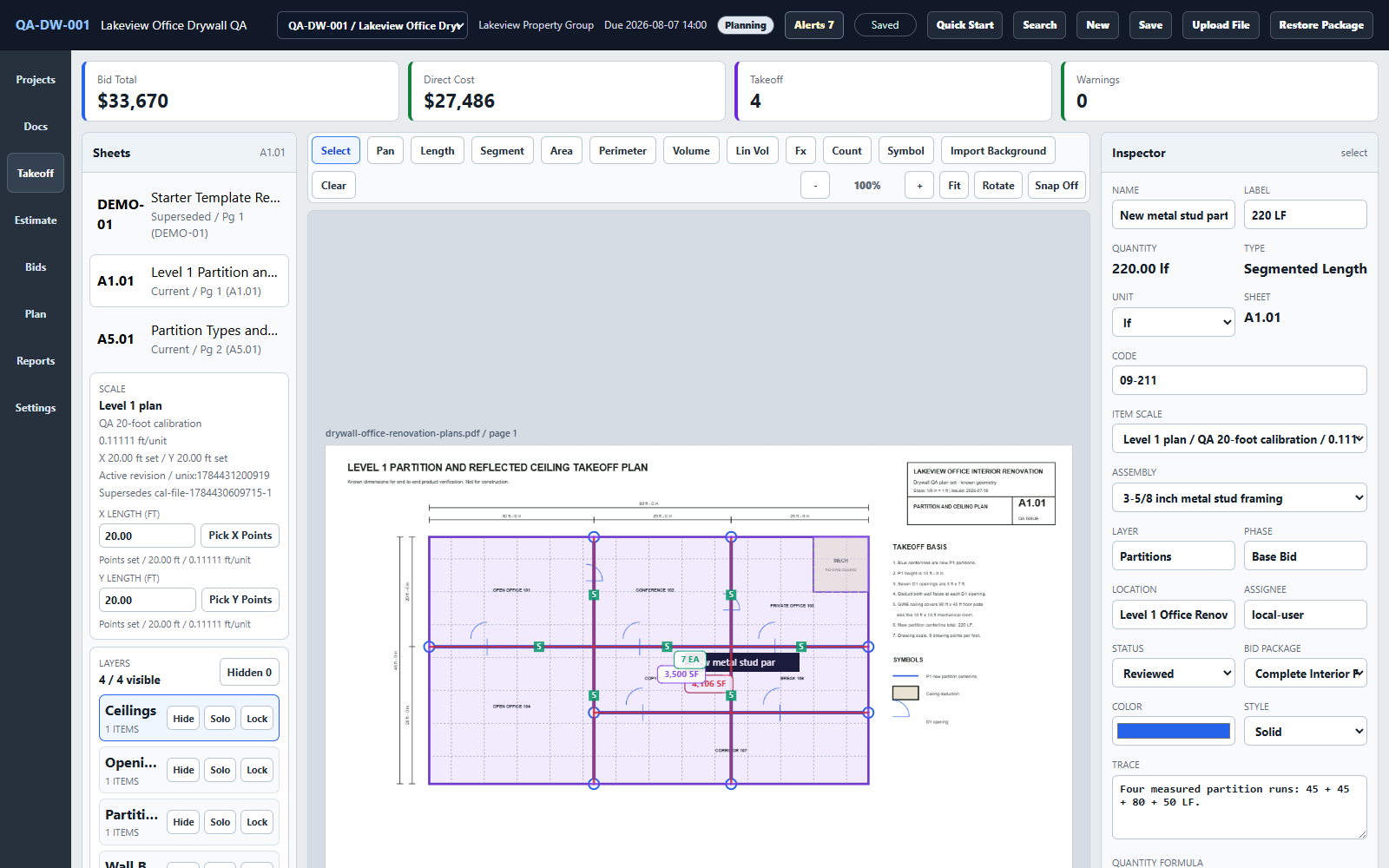
The free drywall case study shows four partition runs becoming wall faces, ceilings, framing, insulation, eight estimate lines, exclusions, assumptions, and a worked bid. The dimensions and sample prices are published so you can inspect the reasoning.
This is a practice project with illustrative prices, not a customer bid or a current market-price promise.
Choose for the workflow you have
The fastest self-serve purchase is an informed one.
Takeoff may fit when
Choose another product when
Buying questions
Yes, when a reliable dimension and the visible plane support calibration. Pair photos with a floorplan or field check when hidden conditions or the full room scope matter.
Core takeoff and estimating work remains available after installation. Projects stay on your PC; checkout, license activation, downloads, support, and updates still use the internet.
One named user can use the v1 release on two Windows PCs, including v1 updates. The purchase is covered by a 30-day money-back guarantee.
Try the free practice plans Read the installation and first-project guide →